
If you dont find app or cannot install app, check the Note for parents section in Home. Google (Gmail) account above 18 years can only download.
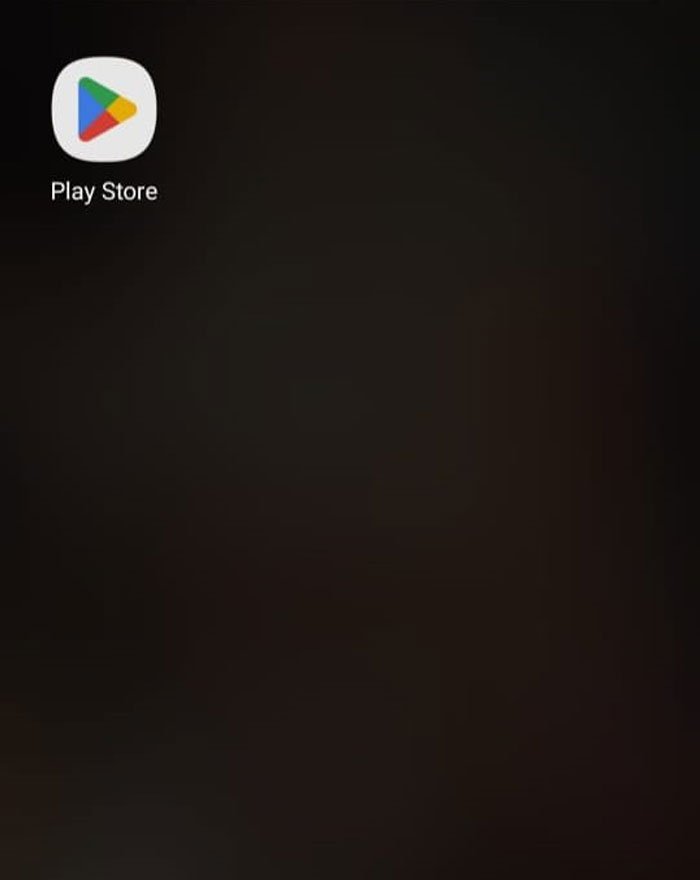
A Step 1 : Go to Playstore.
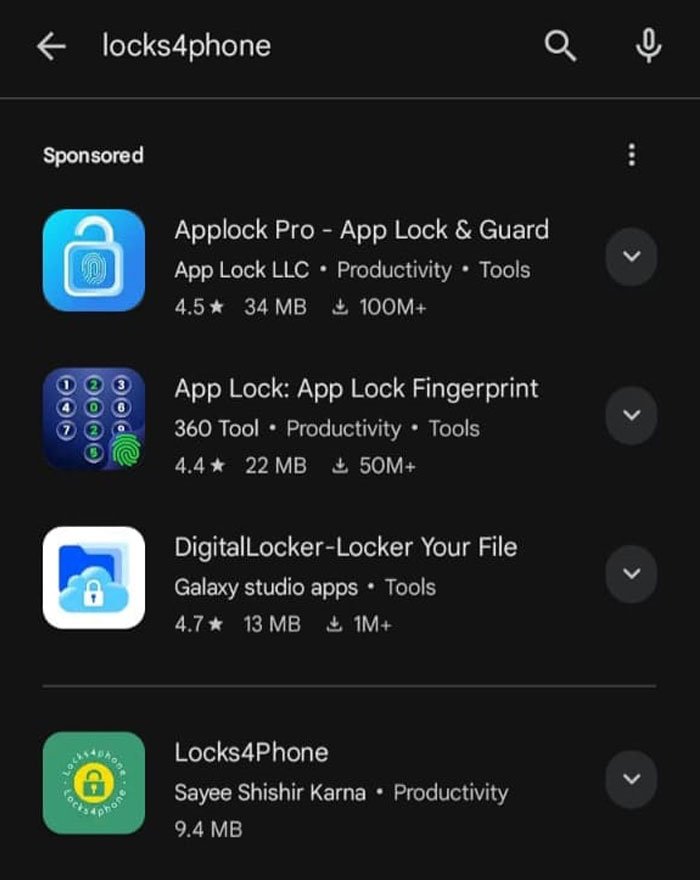
A Step 2 : Search Locks4phone.
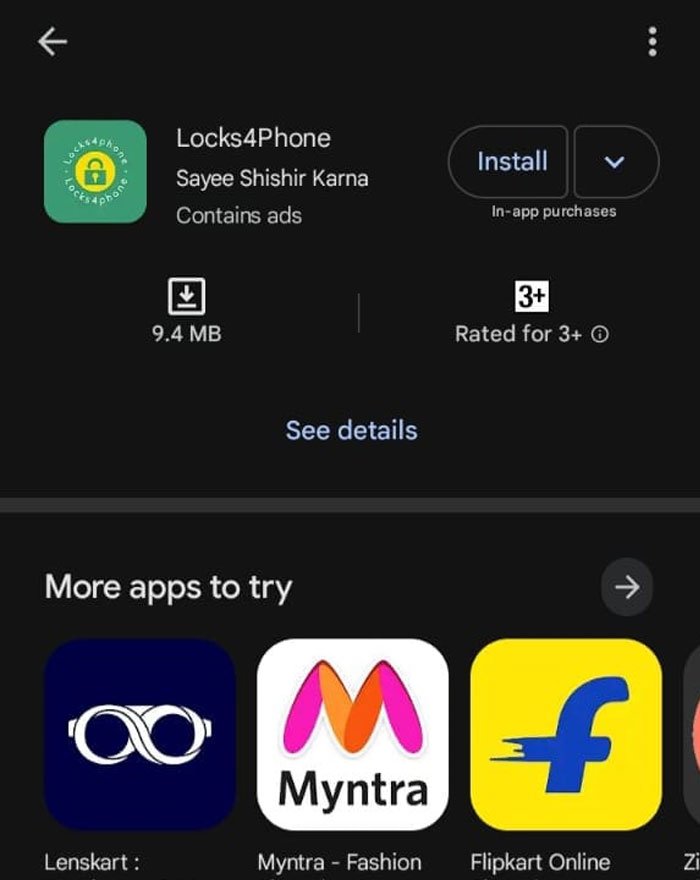
A Step 3 : Install and open the app.

B Step 1 : Please read, it would become easy. Now click Proceed.

C Step 1 : Please read, it would become easy to provide first permission. Click Proceed.

C Step 2 : Now you will directly find Apps Not Optimised page with list.
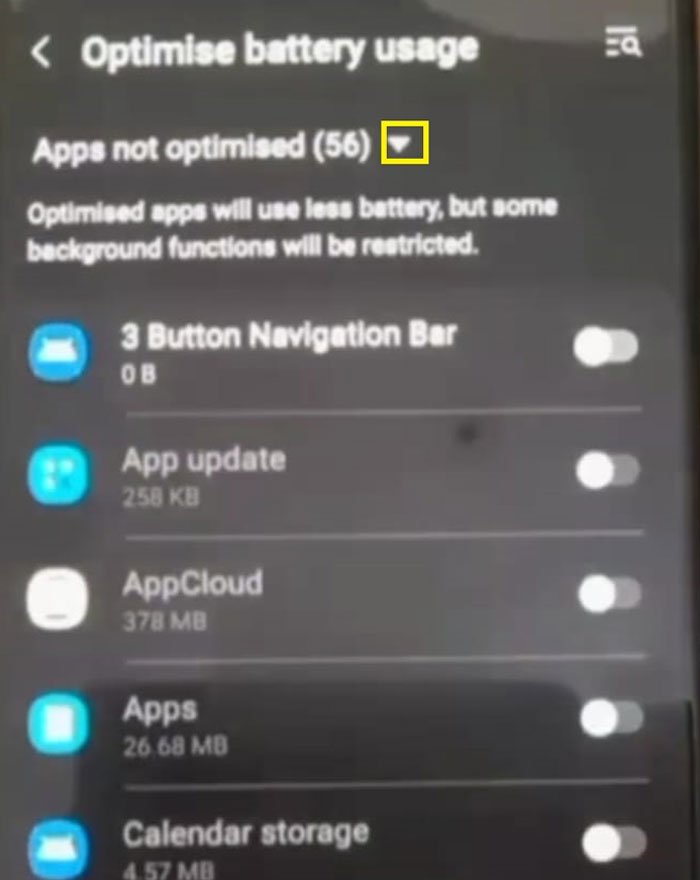
C Step 3 : Click downward arrow icon.

C Step 4 : Select All.

C Step 5 : Now you will see "All" List or in some phone as "All Apps" List.

C Step 6 : Scroll downward and find Locks4phone.

C Step 7 : Slide toggle left side. In some phone two options may appear – Select Don't Optimize and disable battery optimisation. If it does not work, try to optimize again and now disable.
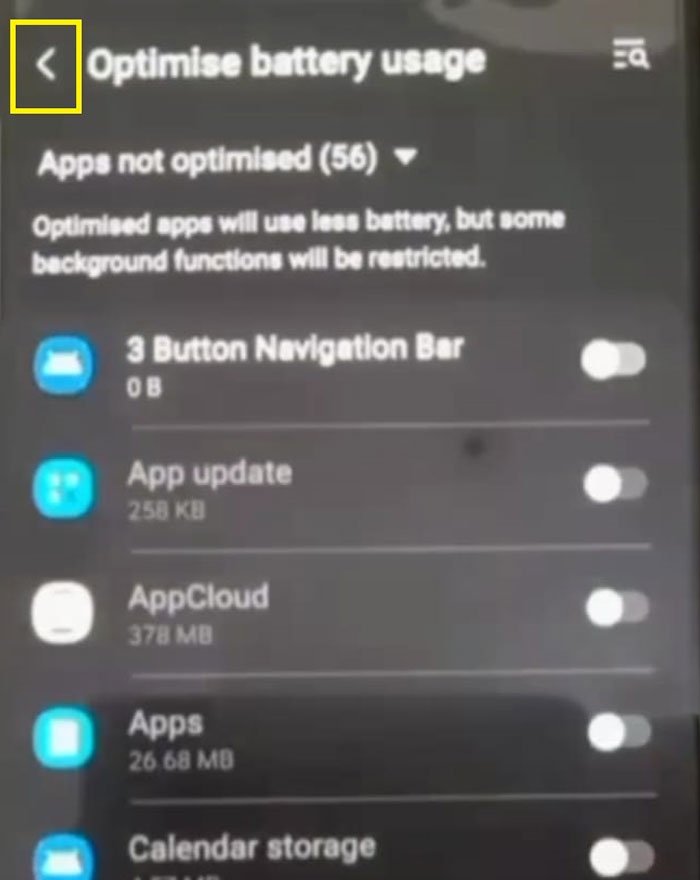
C Step 8 : Go back to give the next permission by pressing Back button at top.
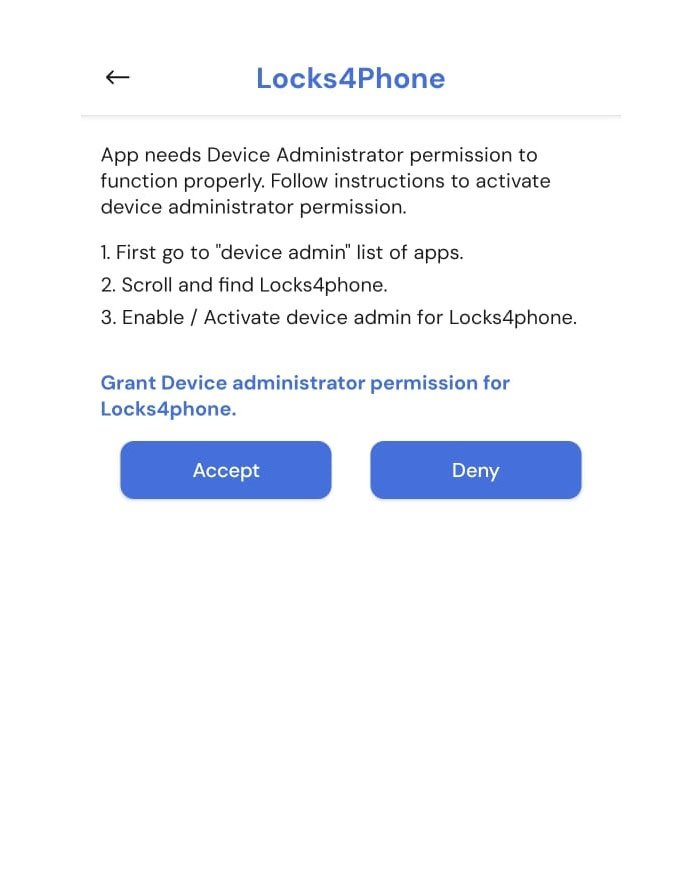
D Step 1 : Please read, it would become easy to provide second permission, click Accept.

D Step 2 : Find Locks4phone and slide toggle to right side.

D Step 3 : Now click Activate or in some phone select Activate button.

D Step 4 : Now Device Admin would be activated.

D Step 5 : Now click Back button on top.
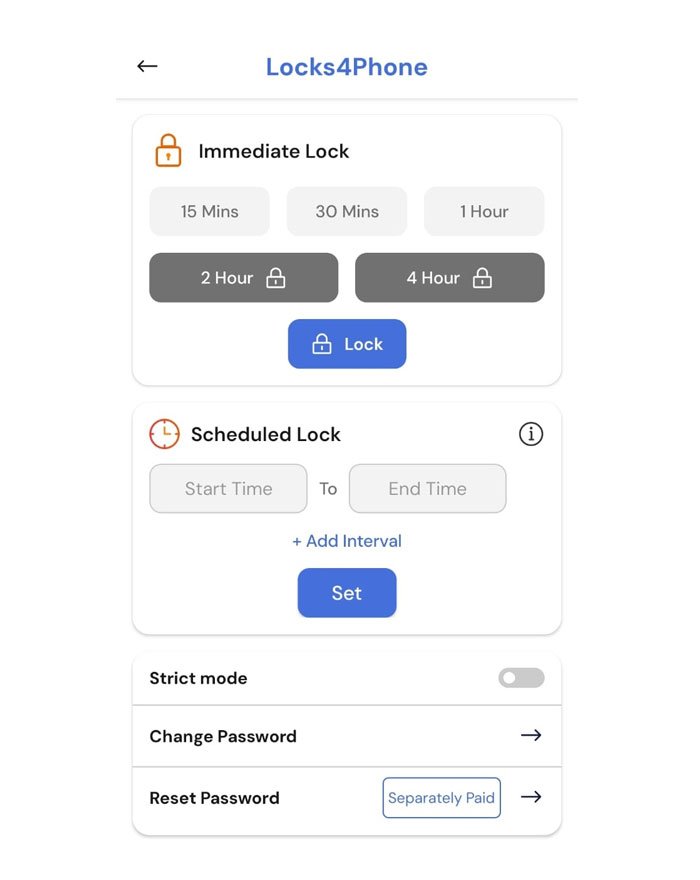
E Step 1 : Now you reach Home Screen, since this is first time, Accessibility permission is Pending.

F Step 1 : Home Screen is in 2 parts, lower part is Scheduled Lock. Enter start time and end time.

F Step 2 : Now click Set. Since this is first time, you will get Accessibility page.

F Step 3 : Click Accept.

F Step 4 : Click on Installed Apps and find Locks4phone.

F Step 5 : select locks4phone

F Step 6 : Turn on by sliding toggle to right.

F Step 7 : Message appears – Click Allow.

F Step 8 : Click Turn On.

F Step 9 : Click Back button on top left and you will reach Home Screen.

G Step 1 : Now you reach Home Screen. You can now use the trial version for lifetime.

All Steps
A Step 1 : Go to Playstore.
A Step 2 : Search Locks4phone.
A Step 3 : Install and open the app.
B Step 1 : Please read, it would become easy. Now click Proceed.
C Step 1 : Please read, it would become easy to provide first permission. Click Proceed.
C Step 2 : Now you will directly find Apps Not Optimised page with list.
C Step 3 : Click downward arrow icon.
C Step 4 : Select All.
C Step 5 : Now you will see "All" List or in some phone as "All Apps" List.
C Step 6 : Scroll downward and find Locks4phone.
C Step 7 : Slide toggle left side. In some phone two options may appear – Select Don't Optimize and disable battery optimisation. If it does not work, try to optimize again and now disable.
C Step 8 : Go back to give the next permission by pressing Back button at top.
D Step 1 : Please read, it would become easy to provide second permission, click Accept.
D Step 2 : Find Locks4phone and slide toggle to right side.
D Step 3 : Now click Activate or in some phone select Activate button.
D Step 4 : Now Device Admin would be activated.
D Step 5 : Now click Back button on top.
E Step 1 : Now you reach Home Screen, since this is first time, Accessibility permission is Pending.
F Step 1 : Home Screen is in 2 parts, lower part is Scheduled Lock. Enter start time and end time.
F Step 2 : Now click Set. Since this is first time, you will get Accessibility page.
F Step 3 : Click Accept.
F Step 4 : Click on Installed Apps and find Locks4phone.
F Step 5 : select locks4phone.
F Step 6 : Turn on by sliding toggle to right.
F Step 7 : Message appears – Click Allow.
F Step 8 : Click Turn On.
F Step 9 : Click Back button on top left and you will reach Home Screen.
G Step 1 : Now you reach Home Screen. You can now use the trial version for lifetime.
✅ Real Life Situations — We get it.
Wherever you are in Life… we’re with you . Maybe you're:
🔄 Structured Plans Work — Use Them Weekly
Scheduled Locks are the core feature — they make discipline automatic. They build habits making things seem effortless. Accomplishments become easy. They create a ripple effect of success.
🌅 Use the Free Trial Version: You’ll already see big changes in your focus and routine.
📆 Set weekly schedules:
📌⚠ While Emergency Unlock exists, it’s best to set timings carefully to avoid using it.
In Trial mode, just set up scheduled locks every Monday morning for 4 days. Once locks are set up, they can’t be changed. After completion of the lock period by Thursday, parents could now set up scheduled locks on Friday morning for the next 3 days. It’s more than enough to help you build discipline. ⚠ Don't miss any day — missing one day generally leads to missing more days. It breaks momentum and takes longer to recover. sometimes 3 to 4 days to recover or even losing a week.